Introduction
You have eight dinner options, five project ideas, or a class of thirty students — and you need to pick one. Right now.
Most people default to a mental coin flip, ask someone else, or (let's be honest) just go with whatever feels familiar. None of that is actually random. A spin wheel to pick random names, tasks, or choices removes the bias entirely and makes the decision instant.
This guide explains what a spin wheel is, why it works, and how to use one well — whether you're running a classroom, organizing a team, or just trying to settle a group dinner debate.
What Is a Spin Wheel?
A spin wheel (sometimes called a wheel spinner or random picker wheel) is a digital tool that accepts a list of items and randomly selects one by simulating a spinning wheel.
You add your options — names, tasks, team assignments, whatever — spin it, and get an immediate, unbiased result.
Unlike asking people to "pick a number" or drawing names from a hat, a digital spin wheel is:
- Instant — results in under three seconds
- Transparent — everyone can see the wheel land on a result
- Repeatable — spin again if needed, no reset required
- Customizable — colors, sounds, and labels you control
Tools like SpinWheelify's free spin wheel tool handle all of this in the browser — no download, no account, no prep time.
Why Use a Spin Wheel to Pick Random Names?
The straightforward answer: because humans are bad at being random.
When a teacher "randomly" calls on students, they tend to call on the same engaged students. When a manager assigns tasks informally, the same reliable people end up with the hardest work. When friends vote on a restaurant, groupthink kicks in.
A random name picker eliminates all of that:
1. It's Truly Unbiased
Every entry has an equal probability of landing. No favorites, no patterns, no social pressure influencing the result.
2. It's Faster Than Any Alternative
Writing names on paper, shuffling cards, using a random number generator — all slower. A wheel is configured once, reusable forever.
3. The Visual Spin Creates Buy-In
There's something about watching a wheel spin that feels fair in a way that a number generator doesn't. People accept the result because they saw it happen.
4. It Reduces Decision Fatigue
Small decisions drain cognitive energy. Delegating them to a wheel returns focus to things that actually matter.
Step-by-Step Guide: Using a Spin Wheel
Here's how to get started with SpinWheelify in under two minutes:
Step 1 — Open the tool Go to SpinWheelify.com. No sign-in required. The wheel loads immediately. If you want a head start, browse the ready-made wheel templates to skip the setup.
Step 2 — Add your entries Type or paste your list into the input panel on the right. Names, tasks, teams — each item goes on its own line. You can import a comma-separated list too.
Step 3 — Customize (optional) Change segment colors, add a spin sound, or set a label. If you're using this for a recurring meeting or class, save the wheel so it's ready next time.
Step 4 — Spin Click the spin button or tap the center of the wheel. The animation runs for a few seconds and lands on a result.
Step 5 — Remove or keep the result Toggle the "Remove After Spin" option if you want to ensure no result repeats. This is useful for things like raffle draws or assigning tasks without duplication.
Examples: Where a Random Picker Wheel Actually Helps
Classroom — Calling on Students
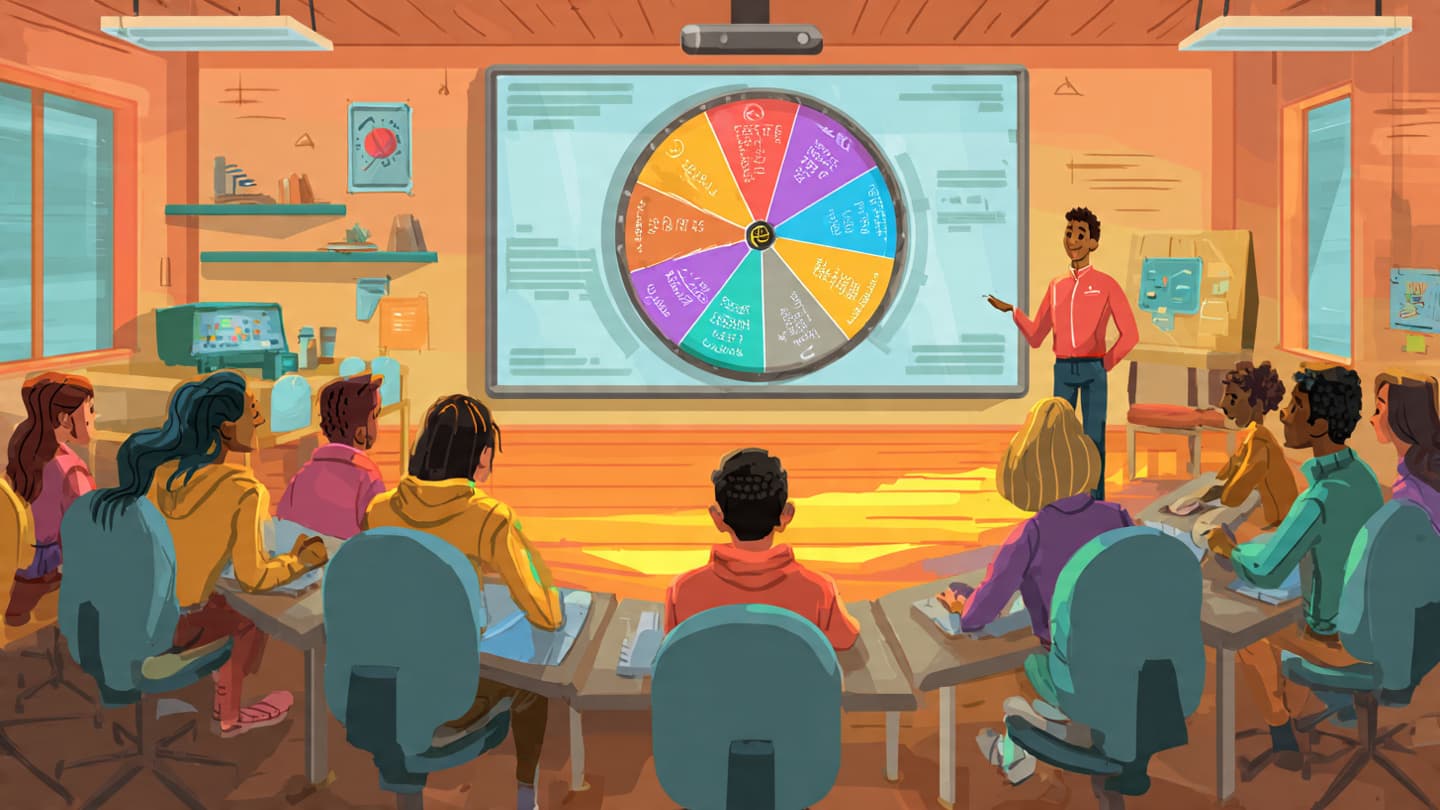
The most common use. Instead of scanning the room for raised hands (and always landing on the same five students), spin the wheel. Every student knows they might be next, which keeps attention up throughout the lesson.
You can also use it to assign groups, pick reading roles, or decide who goes first in a presentation. For dividing a class into teams, the random team generator is purpose-built for that.
Giveaways and Raffles
Add entrant names to the wheel and spin live — on stream, at an event, or recorded for social media. The visual element makes the giveaway feel legitimate and exciting. Remove each winner as you go to prevent repeats.
Team Tasks and Assignments
Open daily standups with a spin to select the first speaker. Use it to assign who handles which project component when the team can't agree. It removes the politics of volunteering and distributes the boring tasks more evenly over time.
Decision-Making (Personal and Group)
Can't pick a restaurant? Add your shortlist and spin. Trying to decide between two side projects? Put them on the wheel. The spin often reveals which outcome you were secretly hoping for — which itself is useful information.
Tips for Better Random Selection
A random picker wheel is only as good as the list you feed it. A few things that help:
Keep entries balanced — If one option appears three times and another appears once, the wheel isn't equal. Either enter each item once or intentionally weight it if that's what you want.
Use "Remove After Spin" for sequential picks — If you need to pick five winners from fifty names without repeats, enable removal. Otherwise you're re-spinning the same full list.
Save your wheels — SpinWheelify stores your configurations locally. If you use the same class list every week, save it once and it's there next time.
Don't override the result — The whole point is to remove bias. If you spin and immediately think "not that one," you've undermined the tool. Trust the wheel or reconsider whether you actually want a random result.
Spin in public — For high-stakes picks (raffle winners, team leads), spin where everyone can see the screen. Transparency is most of the value.
FAQ
Is a spin wheel actually random?
Modern digital random number generators are statistically random for practical purposes. The distribution over many spins will be close to uniform. For a few spins, you'll get natural variation — that's normal randomness, not a problem.
Can I add the same name twice?
Yes. If you want one person to have twice the probability of being selected, enter their name twice. The wheel treats each entry independently.
Does SpinWheelify save my list?
Your wheels are saved to your browser's local storage. They're private to your device. Nothing is uploaded to a server unless you choose to share a wheel.
What's the difference between a "wheel spinner" and a "random name picker"?
These are the same concept with different names. A wheel spinner is the visual format; a random name picker is the use case. SpinWheelify does both.
Can I use it for things other than names?
Absolutely. The wheel accepts any text — tasks, topics, restaurant names, team names, truth-or-dare prompts. Whatever fits in a label, the wheel can pick.
Conclusion
A spin wheel to pick random names isn't just a novelty — it's a practical tool for anyone who needs fast, fair, unbiased decisions on a regular basis.
Whether you're a teacher managing a classroom, a manager distributing work, or a group of friends who can't agree on anything, a random picker wheel cuts the debate short and moves things forward.
Try the spin wheel free — no account needed, works on any device, and your wheel stays saved for next time.